Gimp Tips
These are some neat techniques I've worked out while using the graphics program known as Gimp. Gimp is a very nice graphics editor. It does a lot of the sort of stuff that Photoshop does, but Gimp is free. I like free.
These techniques are all shown using Gimp 2.4. If you have an earlier version (or if my page has gotten so out of date that there is now a Gimp 3) it shouldn't be too hard to follow along. This is not a tutorial on Gimp. I am assuming that you have a working knowledge of things in Gimp like layers, channels and particularly the curves tool.
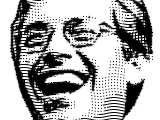 Turn a photo into a Journal-style hedcut.
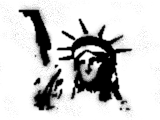 Create a spray painted stencil look.
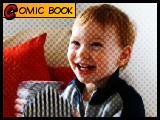 Turn a picture into a pseudo-comic book panel.
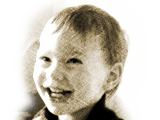 Make a charcoal drawing from a picture.
 Create a fiery effect for an image background.
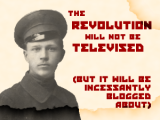 Add water damage to a poster or photo.
 A really quick way to make a simplified glass effect.
 Wear your images out and make them look old.
 Put your own personal stamp on things.
 Make some old writing on parchment.
 Add a bloom effect to an image.
 Create a glassy looking image.
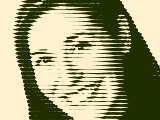 Transform a photograph into
something like a woodcut.
Transform a photograph into
something like a woodcut.
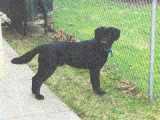 Make a photo
look like it is a still frame from an 8mm film.
Make a photo
look like it is a still frame from an 8mm film.
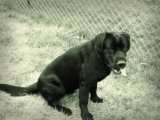 Make a photo
look like it was taken back in the forties or fifties.
Make a photo
look like it was taken back in the forties or fifties.